Configuring a Dashboard
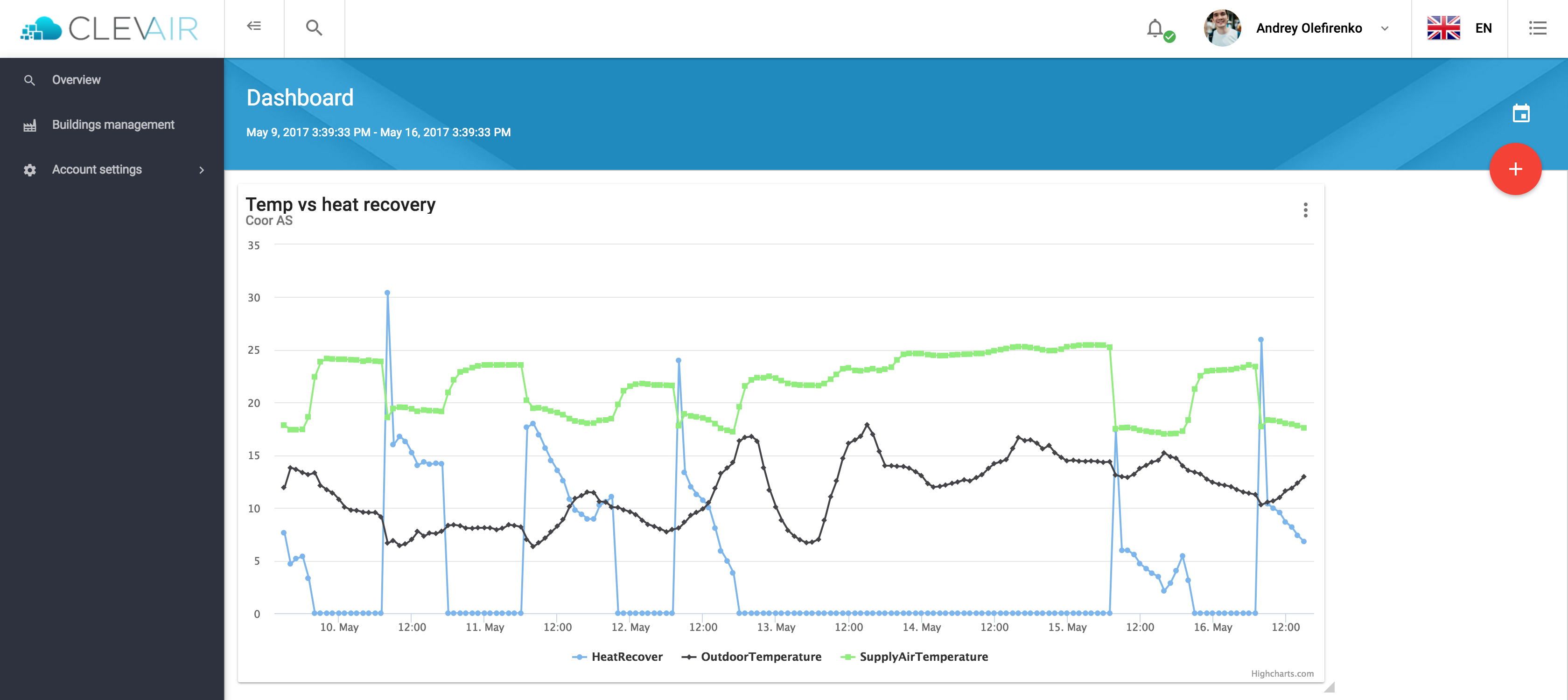
To add a new widget on the dashboard, click on the circled red button with a '+'.
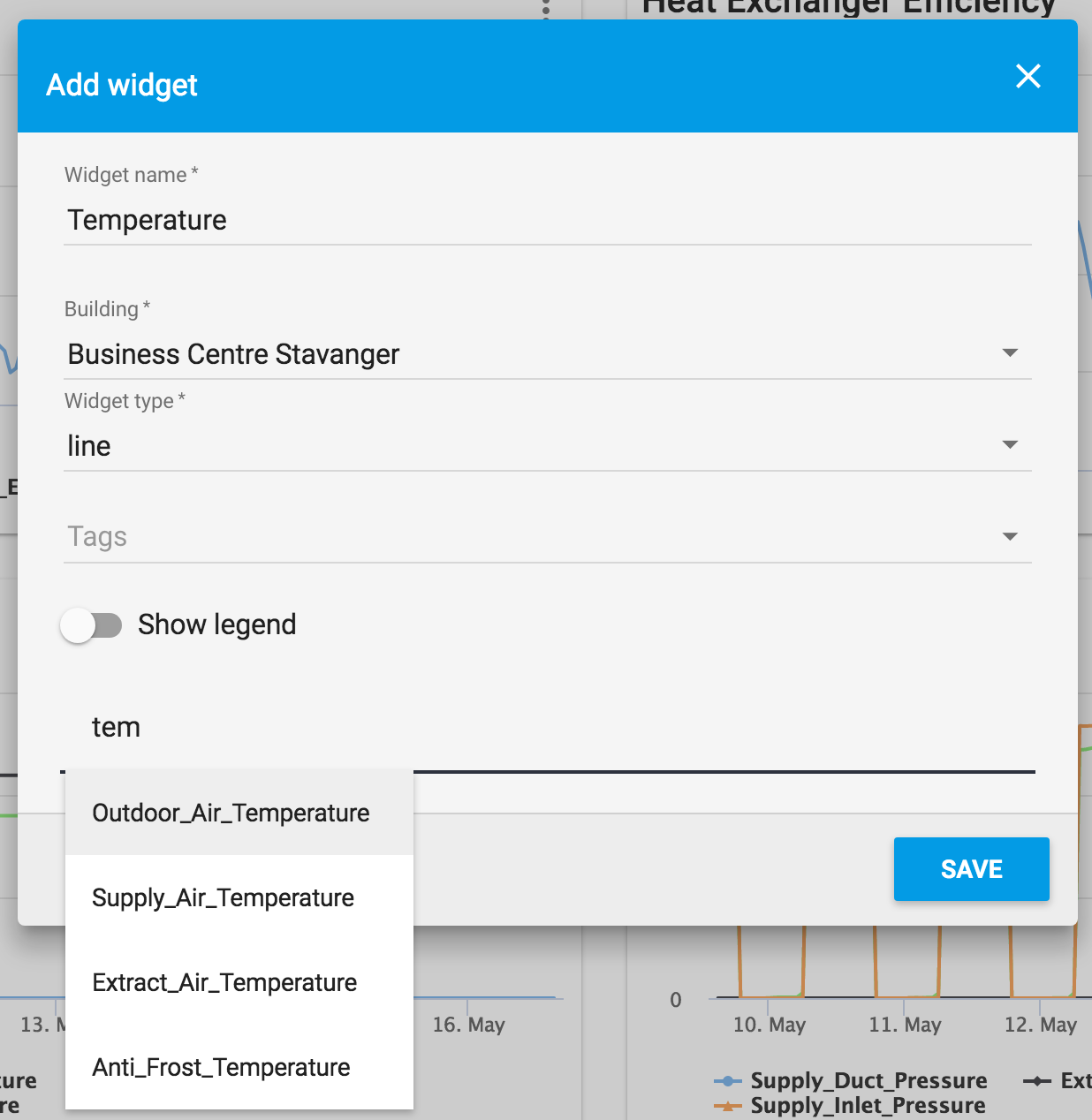
Next, fill the form. There are two types of widgets: line chart and gauge graph. Then you can choose one or more sensors to show their values on a widget
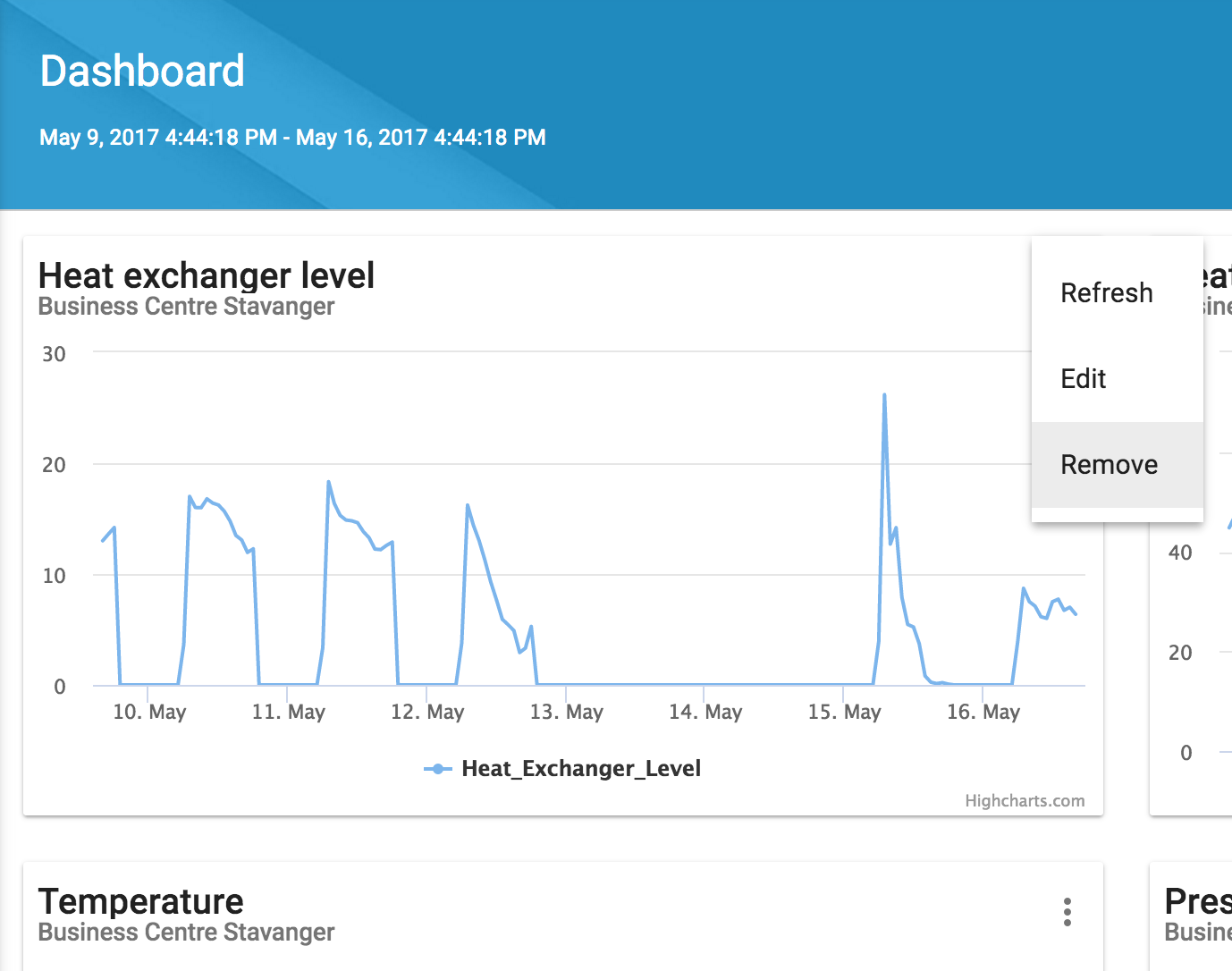
To make changes on an existing widget, click the dotted-menu icon and then the edit button.