User Management
The user management section allows you to configure users for the different buildings you have configured.
In a typical case, your end-client is set up with a building, and you want to invite them to view the data for this building.
Overview
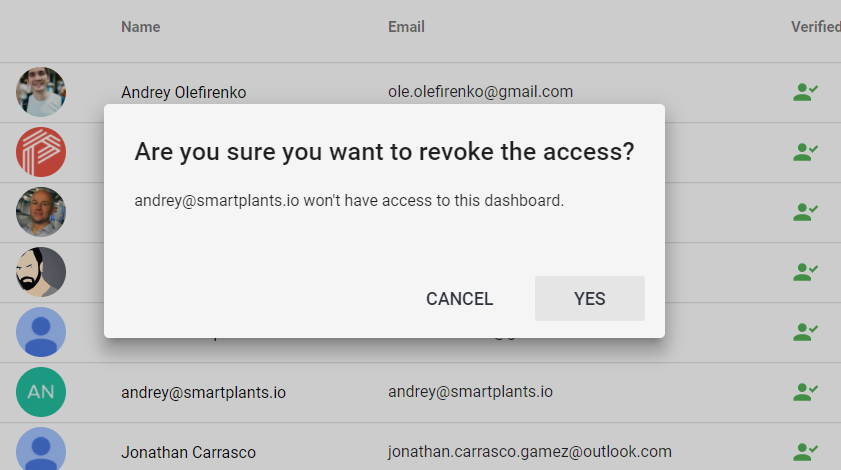
This screen is the main user interface and has an overview of all the users in the system.
Verified - this field is an indication that the user has accepted the invitation, and is able to log in.
Invite a user
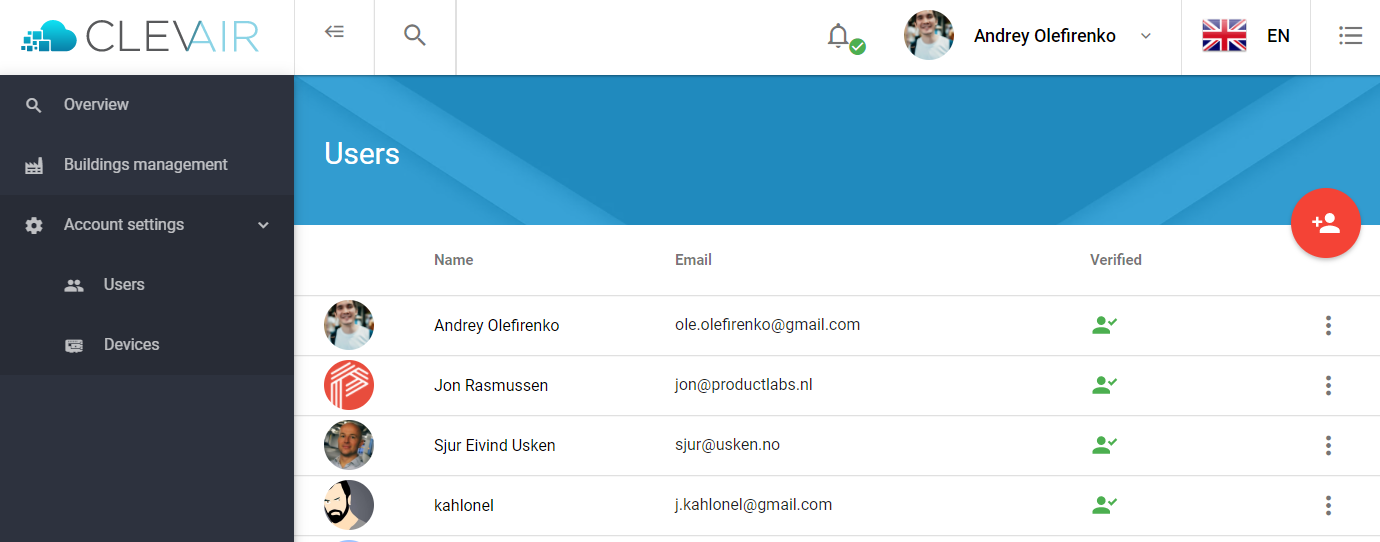
To invite a new user, click on the red icon with a '+', and fill in the details. Typically your end users will have the role USER.
Revoke an access
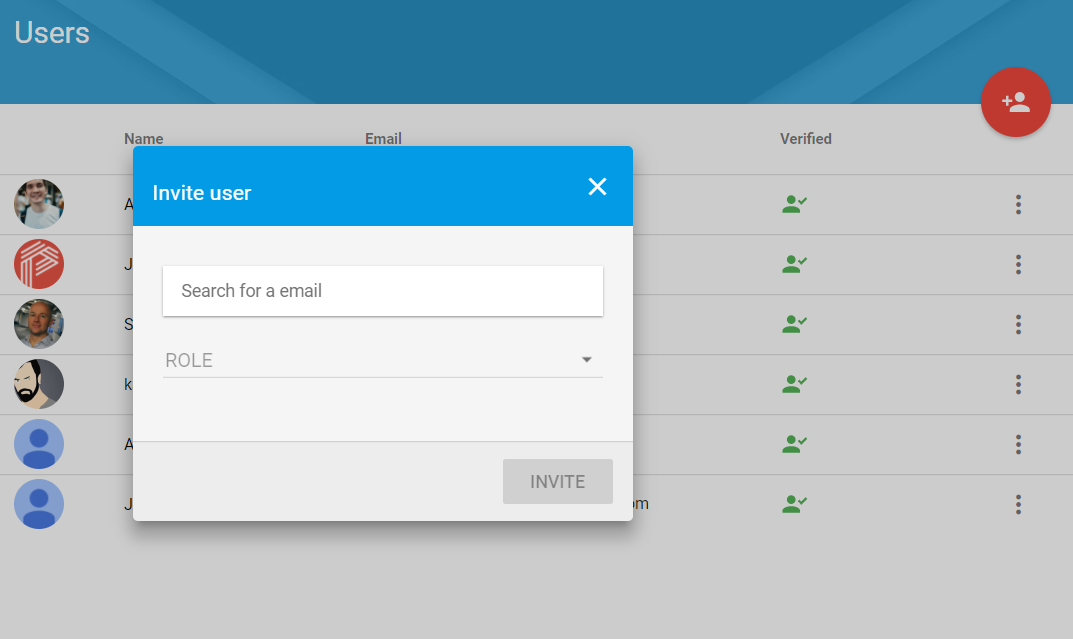
From the main screen, you can administer the existing users. Click on the dotted icon on the right-hand side to get an additional option. Here you can Resend invite, Reset password and Revoke access.