Building Management
The Building management section is used to administering all the buildings you are monitoring. Typically a new end-user will result in a new building. Each building can have one or more devices installed.
Create/Register a new building
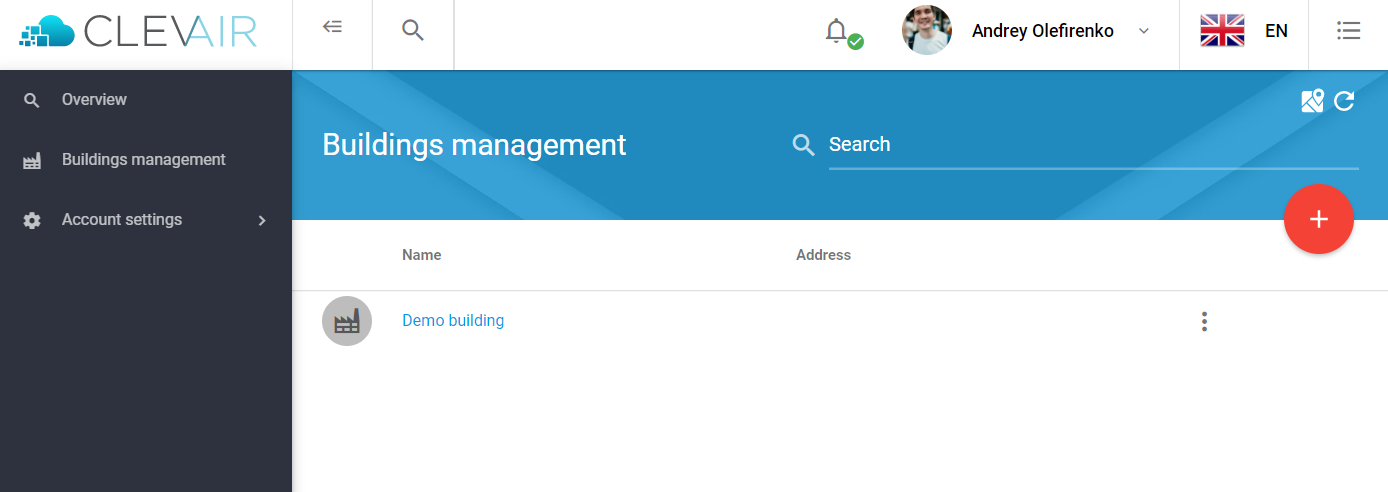
- Go to Building Management and click the red icon with a '+' to add a new building.
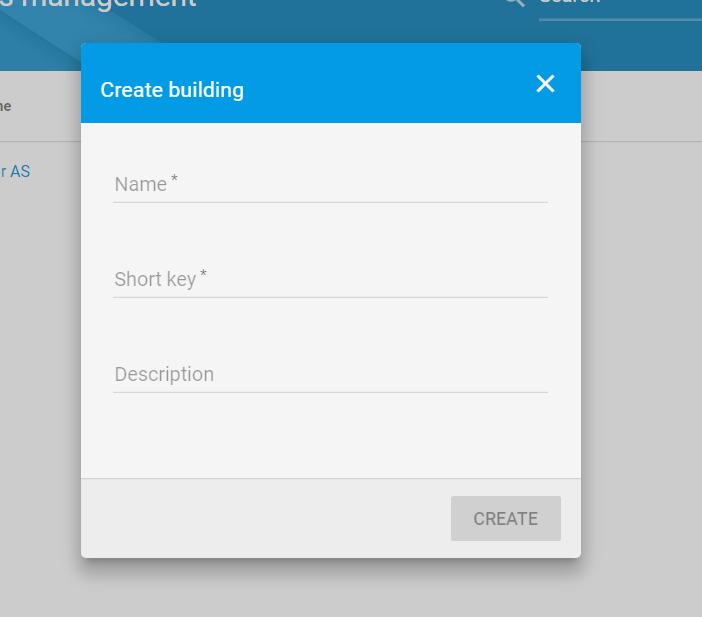
2. Enter the key details about the building.
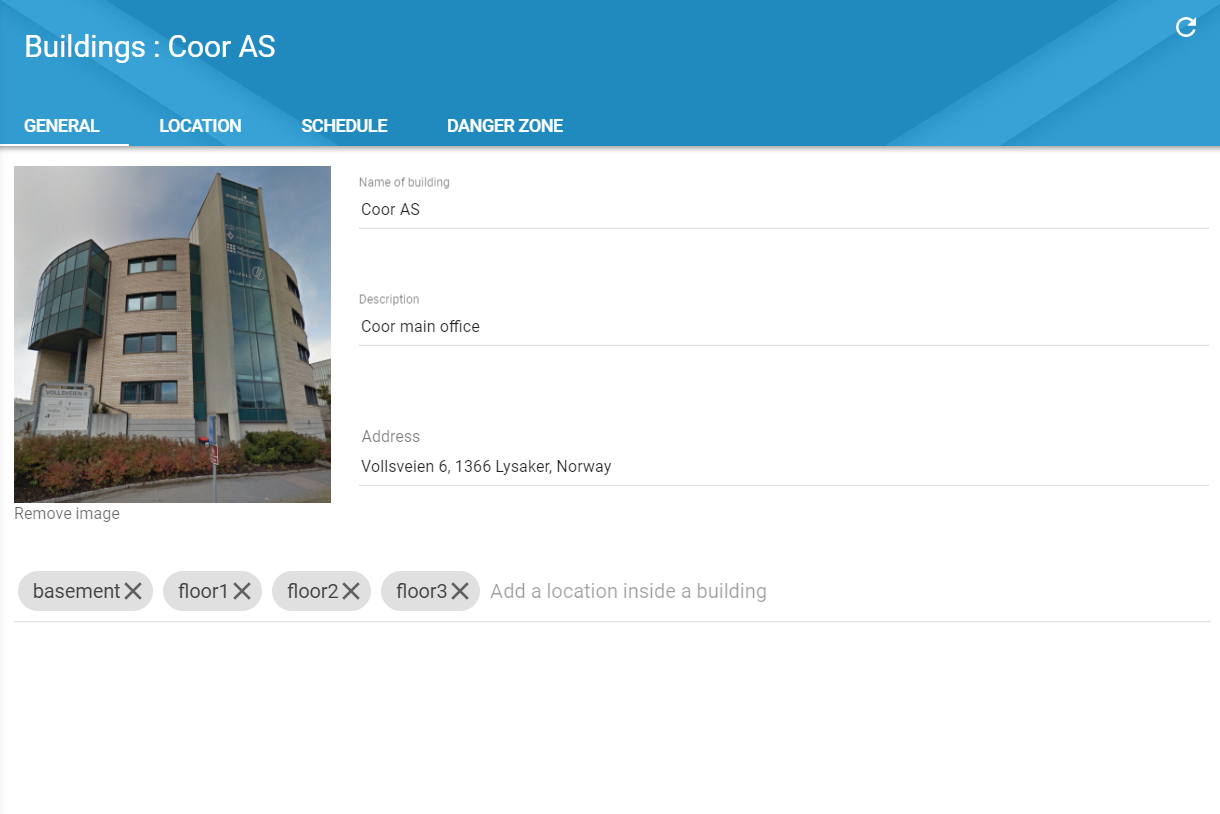
Once the building has been registered, you can add more characteristics of the building.
Name of the building - Enter the name with which you want to represent the building within the system.
Description - Free text describing the building.
Address - Address of the building, this is used for allocating its geo-location.
Image - Add an image of the building to easily recognise it.
Location - Enter tags with locations where the ClevAir device is installed. These tags are used to easily detect where the data points are recorded, and useful when creating graphs.