Setting up new client
As an administrator, log into your account using the URL you have been assigned.
for example https://myclient.clevair.io
Log in with your credentials.
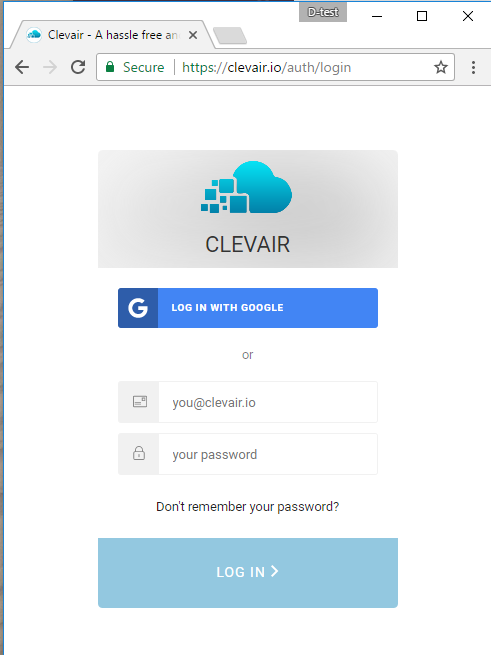
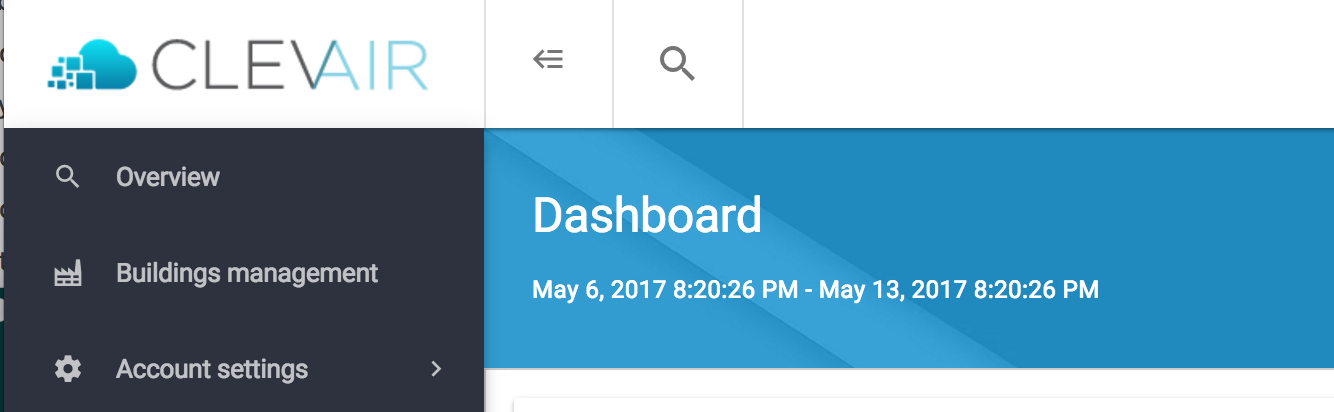
Once logged in you will then have access to the Admin dashboard with the Building Management and Account settings options
Verifying the device
Go to Account Settings → Devices to see the list of devices registered under your account. Each device has a name printed on the box. This name will appear in the device list on this screen. The device should have status Online at this point.
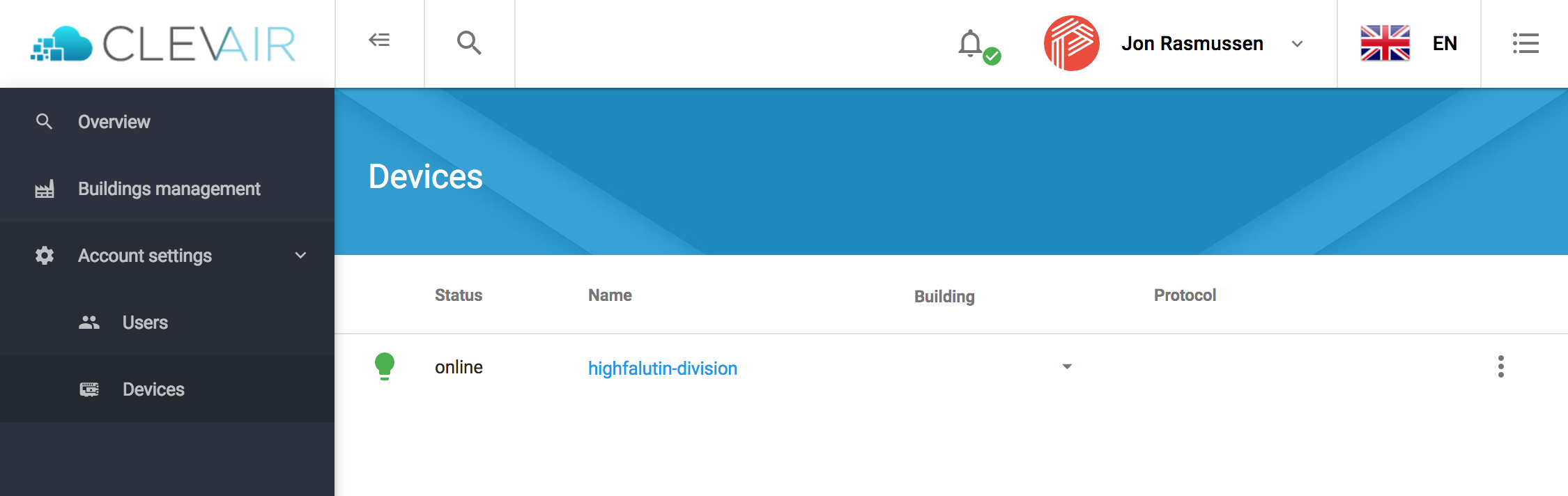
The device is now registered, online and ready to be configured.
Next steps
- Create a new building and assign device.
- Configure the device for the external system.
- Invite users