Quick Start
Connecting the hardware
- Locate the ventilation system, aircon unit or heat pump system you want to monitor.
- In the system's user manual you will find a description of the control panel.
- Locate the external port used by third party products. This is usually an ethernet port.
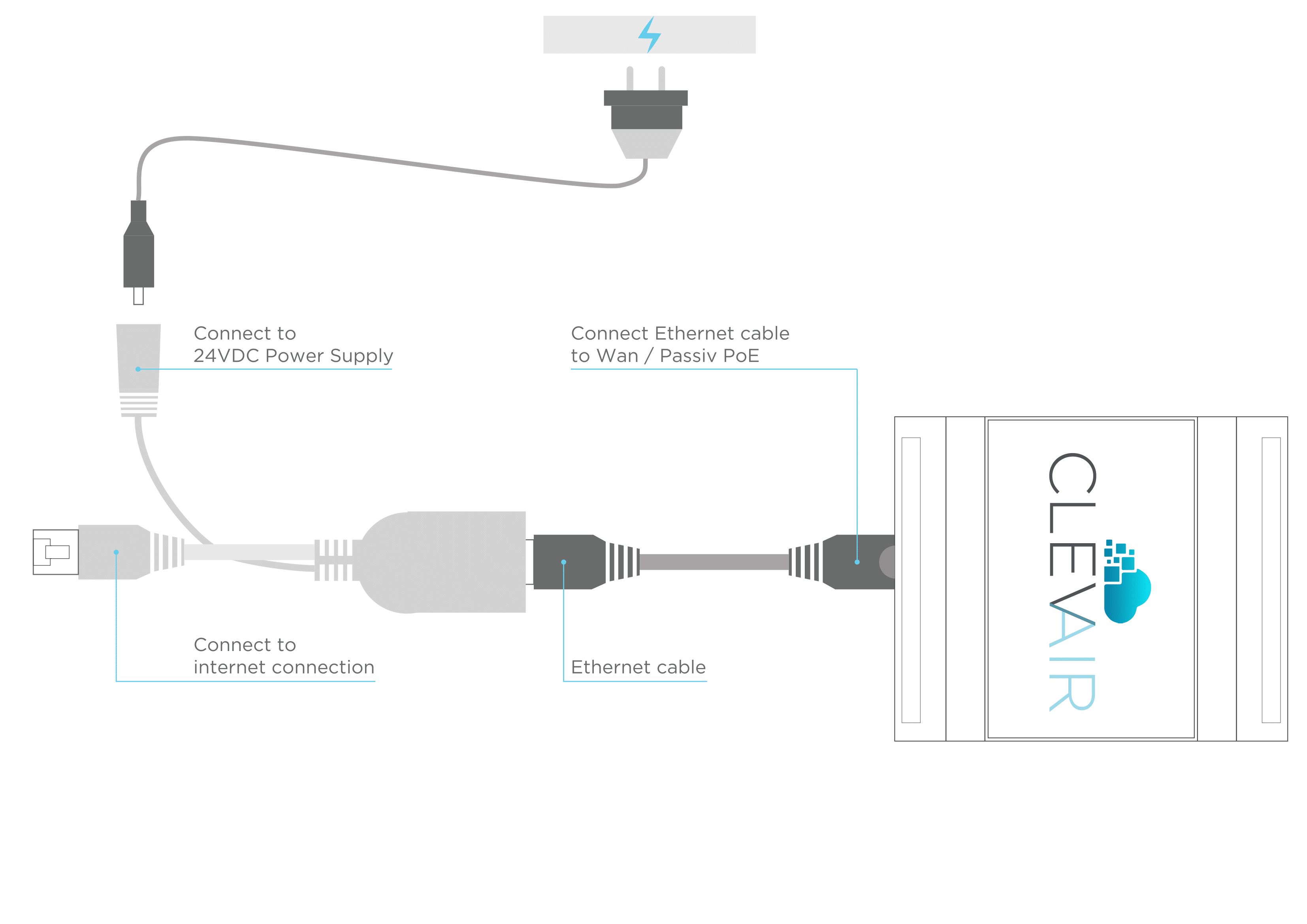
- Connect the ClevAir device as described in the diagram below.
Once the units are installed in your system:
Take pictures of the ClevAir unit and the system, once it is connected, and send the picture to support@smartplants.io.
Accessing ClevAir
You should have received an e-mail with your User ID, domain address (company.clevair.io) and password.
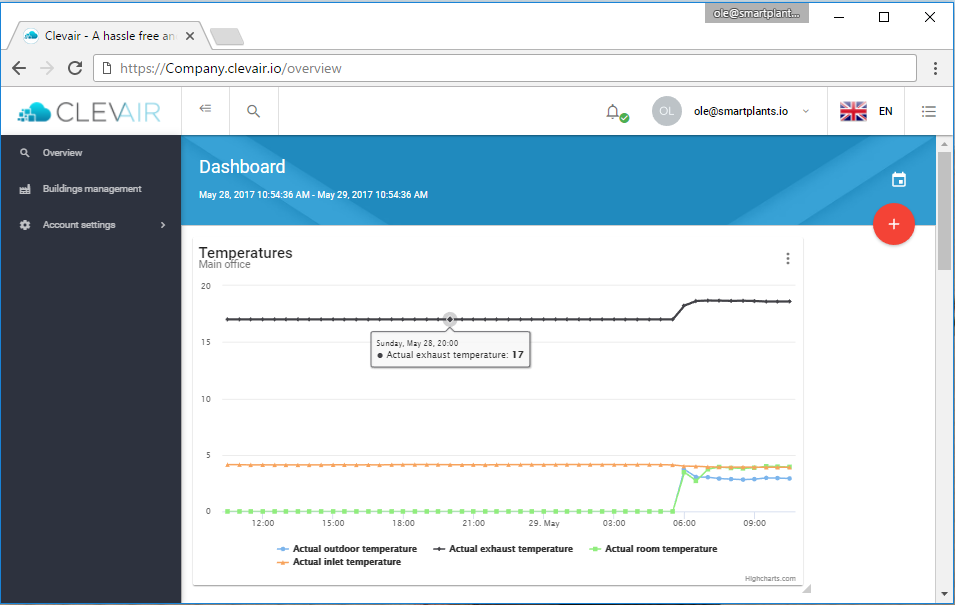
Once you log on to Your_comany_name.clevair.io and enter the password, you will gain access to the ClevAir application. It should look like this.